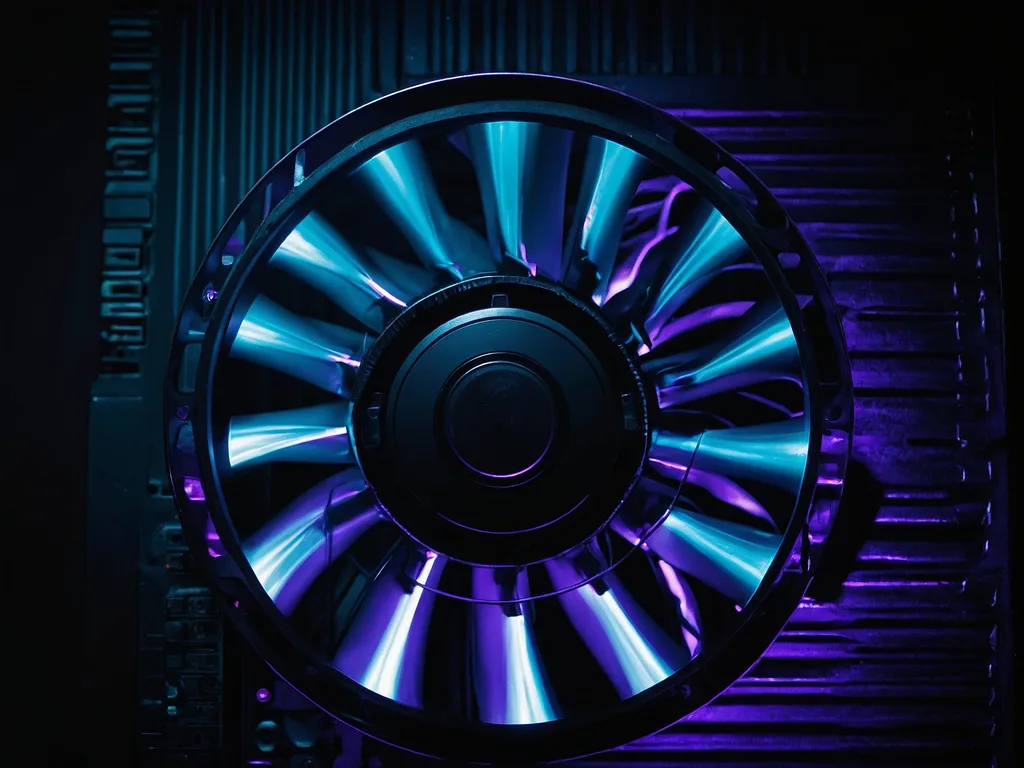
Kipas laptop bising macam jet? 6 punca kenapa fan laptop loud + cara fix — dari bersihkan habuk sampai tukar thermal paste. Panduan Malaysia.
Jawapan Ringkas
- Punca #1: Habuk tebal dalam kipas & heatsink — lebih separuh kes di Malaysia.
- Fix paling murah: Compressed air spray (RM15) ke lubang ventilasi bawah.
- Punca #2: Thermal paste kering — kipas kerja keras sebab heat tak transfer.
- Bising + panas = normal kalau gaming. Bising tapi tak panas = bearing rosak.
- RM15 Compressed Air Fix termurah Shopee
- 6 bln Bersih Berkala Maintenance interval
- RM80 Ganti Kipas Kedai termasuk labour
Diagnosis — Dengar Bunyi Kipas Awak
| Bunyi | Punca | Tahap | Jump Ke |
|---|---|---|---|
| Whoosh berterusan — kipas laju sentiasa | Habuk block airflow | Sederhana | Step 1 |
| Dengung rendah — constant drone | Background apps berat makan CPU | Rendah | Step 4 |
| Grinding / berderit — bunyi kasar | Bearing kipas rosak | Tinggi | Step 3 |
| Tiba-tiba kuat → senyap → kuat | Thermal throttling cycle | Sederhana | Step 2 |
| Jet engine 5-10s lepas boot | Normal — fan self-test | OK | — |
Buka laptop, jangan buat apa-apa 5 minit (idle). Kipas masih laju macam jet = masalah. Kipas senyap idle tapi kuat masa gaming = normal.
6 Cara Fix — Ikut Flow Ini
Compressed Air Spray
Matikan laptop. Semburkan compressed air (RM15) ke ventilasi bawah + exhaust tepi. 3-4 burst pendek. Turunkan bunyi 30-50%.
Repaste Thermal
Laptop 3+ thn? Thermal paste kering = heat tak transfer. Hantar kedai repaste (RM50-100). Suhu turun 15-25°C, kipas slow down.
Check Bearing Kipas
Bunyi grinding/berderit? Bearing dah haus — kena ganti kipas (RM80-200 kedai). Tak boleh repair bearing, mesti replace.
Kill Background Apps
Ctrl+Shift+Esc → sort CPU → kill apps >20% (Windows Update, antivirus scan, cloud sync). Kipas slow down dalam 30 saat.
Elevate Laptop
Jangan guna atas tilam/bantal. Meja keras + letak penutup botol bawah belakang = elevate 2cm. Airflow naik, kipas kurang bising.
BIOS Fan Profile
Restart → F2/F10 masuk BIOS → Fan Control → tukar Performance → Balanced/Quiet. Kipas spin kurang aggressive pada idle.
Kos Ganti Kipas Per Jenama
| Jenama | Harga Part | Labour | Total |
|---|---|---|---|
| Dell Inspiron/Latitude | RM40-80 | RM50-80 | RM90-160 |
| HP Pavilion/ProBook | RM50-90 | RM50-80 | RM100-170 |
| Lenovo IdeaPad/ThinkPad | RM40-70 | RM50-80 | RM90-150 |
| ASUS Vivobook/TUF | RM60-100 | RM50-80 | RM110-180 |
| Acer Aspire/Nitro | RM50-90 | RM50-80 | RM100-170 |
| MSI Gaming | RM80-150 | RM60-100 | RM140-250 |
BIOS Fan Control Per Jenama
| Jenama | Key BIOS | Lokasi Setting |
|---|---|---|
| Dell | F2 | Thermal Management → Optimized |
| HP | F10 | System Config → Fan Always On → Disable |
| Lenovo | F2/Fn+F2 | Configuration → Intelligent Cooling → Quiet |
| ASUS | F2 | Fan Xpert / Q-Fan Control |
| Acer | F2 | Main → Fan Speed → Auto |
Buka laptop untuk repaste/ganti kipas boleh void warranty. Semak status warranty dulu: Cek Warranty. Kalau masih warranty, hantar service centre official.
Fix Kipas Berbaloi
- Bising sebab habuk sahaja (clean = selesai)
- Repaste fix masalah (RM50-100)
- Laptop 1-4 tahun, lain semua OK
- Kos fix bawah RM200
Masa Ganti Laptop
- Kipas + panas + lag + bateri mati (combo)
- Laptop 5+ thn, multiple hardware rosak
- GPU dah artifak (soldered, tak boleh ganti)
- Kos total repair >RM500
- Repair atau Ganti? — kalkulator 50% rule
- Cek Warranty — semak sebelum bayar repair
- Kedai Baiki Laptop — cari kedai repaste berdekatan
- Panduan Overheat — berkaitan rapat
Sebelum bayar kedai swasta, cek warranty laptop anda dulu. Kalau masih aktif, anda boleh dapat servis percuma dari OEM. Cek warranty sekarang →
Repair atau Ganti? Guna Kalkulator Kami
Tidak pasti sama ada patut baiki atau beli baru? Guna kalkulator kami yang bandingkan kos repair vs kos replacement:
Simptom Lain Yang Biasa Berlaku
Jika Laptop Dah Melepasi Takat Repair
Laptop yang dah 5+ tahun dengan banyak masalah selalunya lebih ekonomi untuk diganti. Cadangan kami: