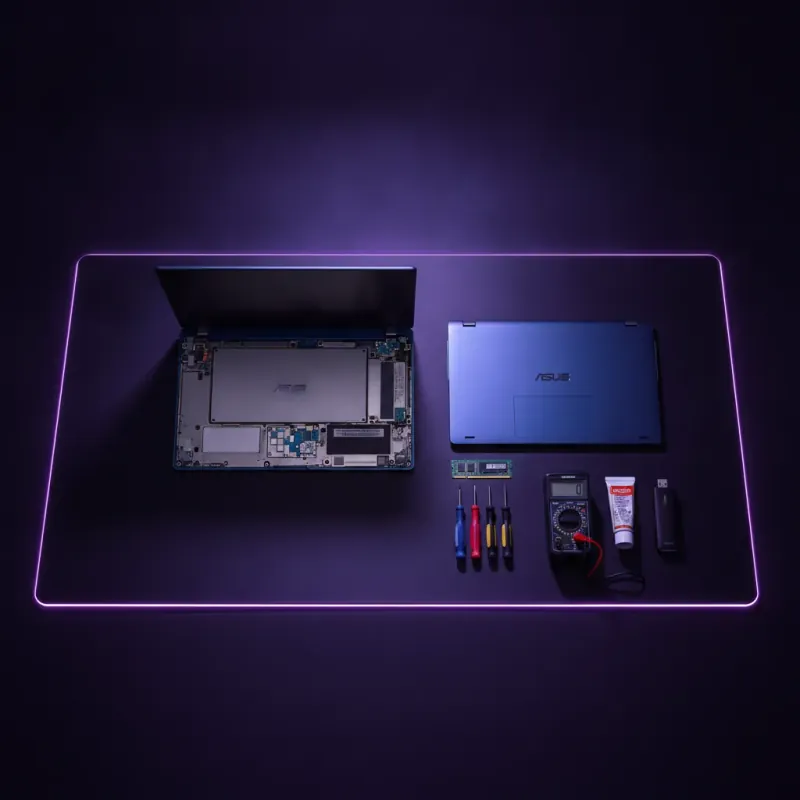
Laptop tiba-tiba mati sendiri semasa tengah kerja? Data hilang, tension naik. 8 daripada 10 kes shutdown sendiri adalah overheat atau dust — boleh fix sendiri RM0 tanpa kedai. Yang penting: backup data DULU sebelum ia berulang.
Jawapan Ringkas
- Overheat (lebih separuh kes) — CPU lebih 95°C auto-shutdown untuk elak damage.
- Debu dalam fan — paling biasa punca overheat. Bersih fix sebahagian besar kes.
- Bateri swollen atau aging — laptop lama 3+ tahun common issue.
- Suhu normal — idle 35–50°C, load 65–85°C, danger >90°C.
- Backup first, diagnose second — kalau berulang, risk data loss.
- 85°C Suhu Max Load Lebih = throttling
- 8 Punca Utama Ikut kekerapan
- RM0–50 DIY Fix Vs kedai RM150–300
Kenapa Laptop Shutdown Sendiri Tanpa Warning?
Laptop moden ada mekanisme auto-protect — kalau suhu atau voltage bahaya, ia paksa shutdown untuk elak kerosakan permanent.
Ini berbeza dari laptop tak boot atau skrin hitam tapi hidup. Shutdown sendiri bermakna laptop berjaya jalan, kemudian mati total mendadak — fan berhenti, skrin mati, LED off.
Thermal shutdown protects CPU dan GPU dari physical damage. Tanpa mekanisme ini, overheat boleh leleh solder join atau burn silicon — kerosakan yang tak boleh dibaiki.
Kalau shutdown sendiri dah berlaku 2+ kali, backup SEMUA data penting ke external drive atau cloud (Google Drive, OneDrive) SEBELUM buat apa-apa troubleshooting. Kalau motherboard atau HDD yang fail, shutdown seterusnya mungkin permanent — data gone.
🔍 8 Punca Utama Laptop Shutdown Sendiri (Susun Ikut Kekerapan)
Punca #1–3 bertanggungjawab kebanyakan kes. Mulakan troubleshoot dari sana.
Overheat (thermal shutdown)
CPU atau GPU capai 95–100°C, trigger auto-protect. Symptom: shutdown masa gaming, render, atau zoom lama. Suhu normal max 85°C under load — lebih dari itu = danger zone.
Fix: bersih dust, ganti thermal paste.
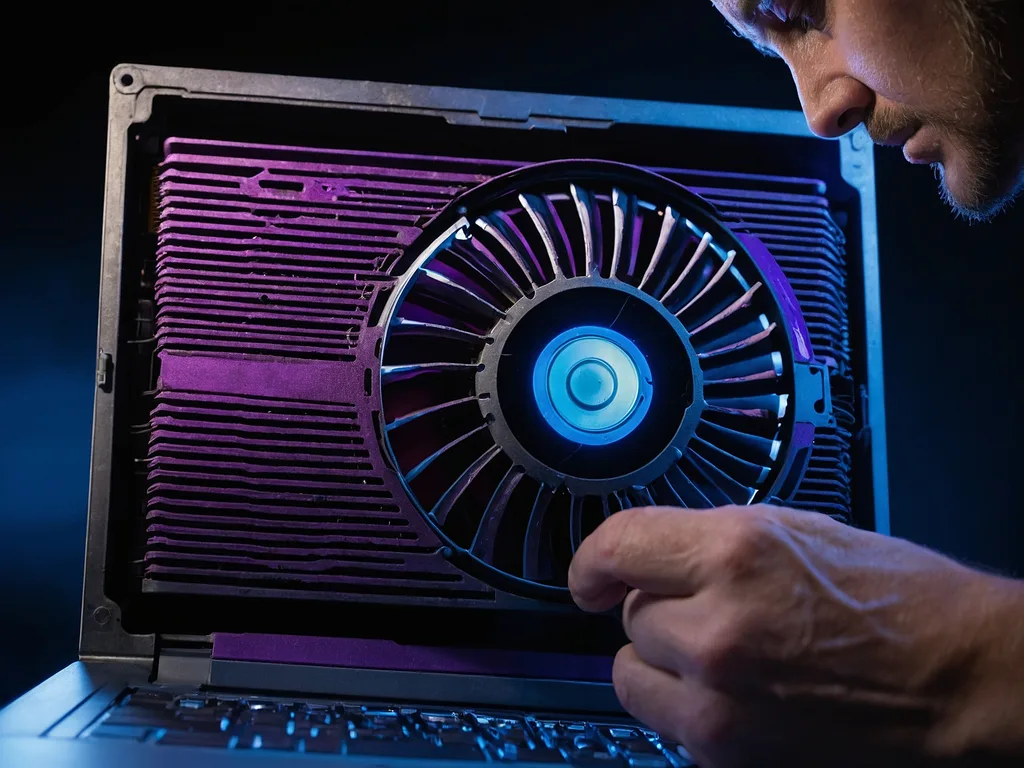
Debu tebal dalam fan & heatsink
Habuk atau saluran udara terhalang boleh menyumbang kepada masalah suhu. Periksa pengudaraan dan ikut prosedur pembersihan model; usia tidak membuktikan ketebalan habuk atau peratus kehilangan aliran udara.
Thermal paste kering / dah hard
Thermal paste antara CPU dan heatsink evaporate lepas 3–5 tahun. Thermal conductivity drop — CPU tak boleh transfer heat cepat. Symptom: overheat walaupun fan clean.
Fix: repaste dengan Arctic MX-4 (RM25), turunkan suhu 10–15°C.
Bateri swollen atau aging
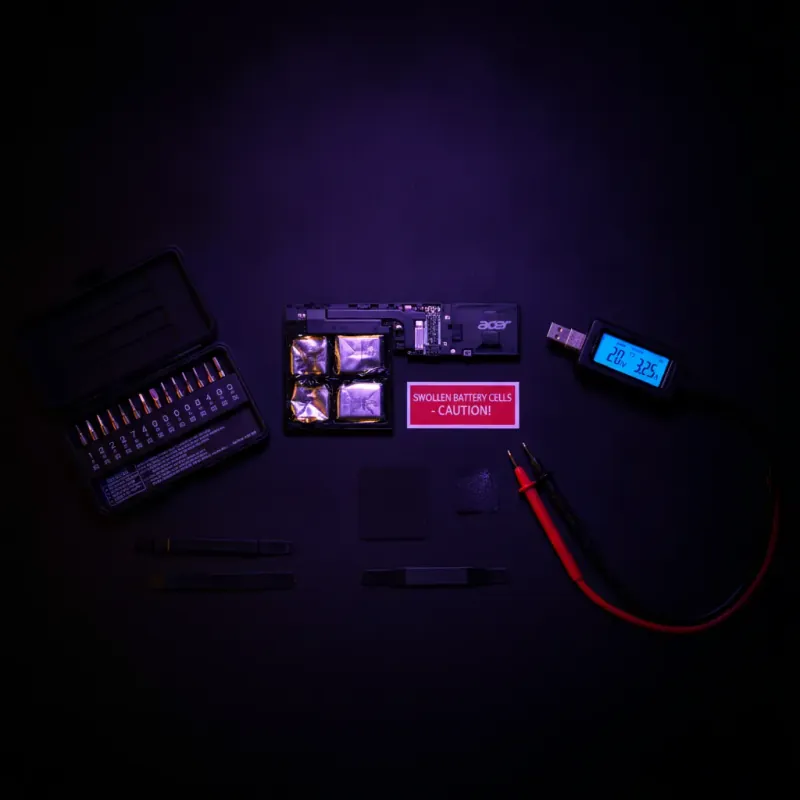
Bateri Li-ion lepas 3+ tahun start swell atau dah tak stable. Voltage drop sekejap-sekejap boleh trigger shutdown. Symptom: shutdown bila unplug charger, bateri keras bengkak, trackpad pop up.
DANGER: swollen battery = fire risk, ganti segera.
Charger atau power adapter rosak
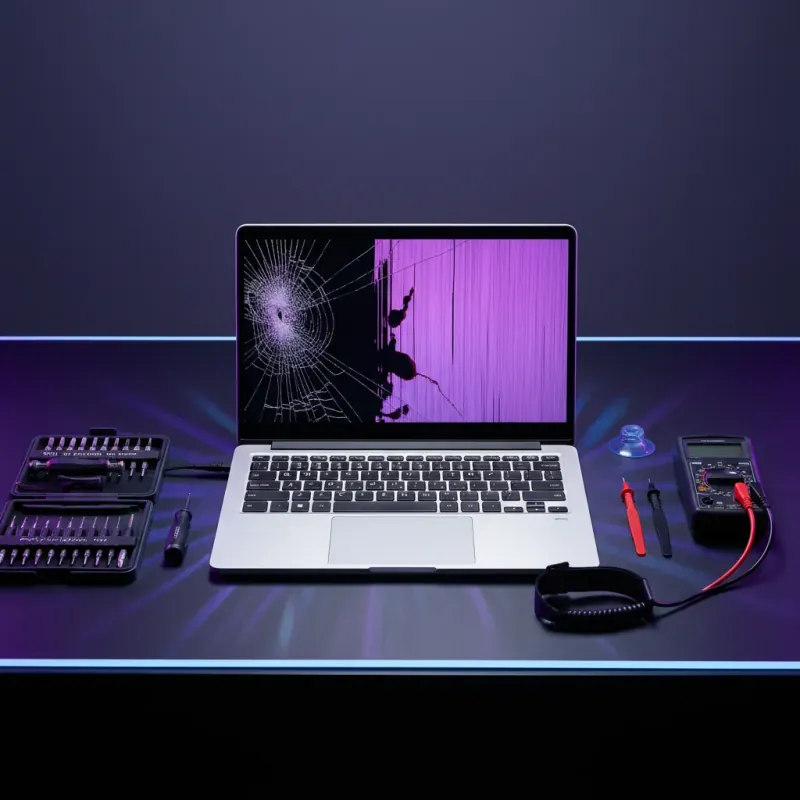
Charger output tak stable, atau cable dalam pecah, buat voltage fluctuate. Symptom: shutdown masa plug/unplug charger, atau hanya shutdown kalau guna charger tertentu. Fix: test dengan original charger, atau multimeter check output (19V standard).
RAM atau SSD fail
RAM error atau SSD bad sectors boleh trigger BSOD → restart/shutdown cycle. Symptom: shutdown random, kadang sebelum boot habis. Fix: Windows Memory Diagnostic (mdsched.exe), CrystalDiskInfo untuk SSD health check.
Malware atau Windows corrupt
Virus yang load processor 100% boleh trigger thermal shutdown. Windows system files corrupt pula boleh cause kernel panic → auto-shutdown. Fix: scan Malwarebytes + run sfc /scannow dalam Command Prompt admin.
Motherboard atau PSU fail
Worst case. Capacitor bengkak, voltage regulator fail, atau short circuit pada motherboard. Symptom: shutdown random tanpa pattern, kadang tak nak hidup balik.
Dapatkan diagnosis dan sebut harga; kemudian bandingkan pilihan pengganti mengikut kondisi jika pembaikan tidak sesuai.
🤔 Decision Tree — Bila Laptop Shutdown?
Pattern shutdown bagi petunjuk punca. Jawab soalan ikut situasi anda.
Bila laptop paling kerap shutdown?
🔧 7 Langkah Diagnose Sebelum Hantar Servis
Ikut order — software check dulu, buka cover last.
Backup Data Dulu
Copy folder Documents, Desktop, Downloads ke external drive atau upload ke Google Drive. Jangan troubleshoot sebelum ini.
Install HWMonitor + Core Temp
Freeware monitoring tools. Buka sebelum guna laptop — check suhu CPU & GPU real-time. Record reading idle vs load.
Stress Test 10 Minit
Gunakan diagnostik yang disyorkan pengeluar dan rekod keadaan semasa masalah berlaku. Jangan terus mengenakan beban berat pada peranti yang menunjukkan masalah suhu; satu ambang suhu bukan diagnosis universal.
Check Event Viewer
Win + X → Event Viewer → Windows Logs → System. Cari Critical errors (Event ID 41 = unexpected shutdown). Tentukan pattern dan punca.
Scan Malware
Download Malwarebytes Free, full scan. Virus yang spike CPU trigger shutdown. Sambil tu, sfc /scannow dalam cmd admin untuk repair Windows files.
Bersih Vent dengan Compressed Air
Compressed air can RM15. Blow dari vent luar ke arah dalam, 5 saat per vent. Paling effective di exhaust fan belakang/sisi.
Buka Bottom Cover (Advanced)
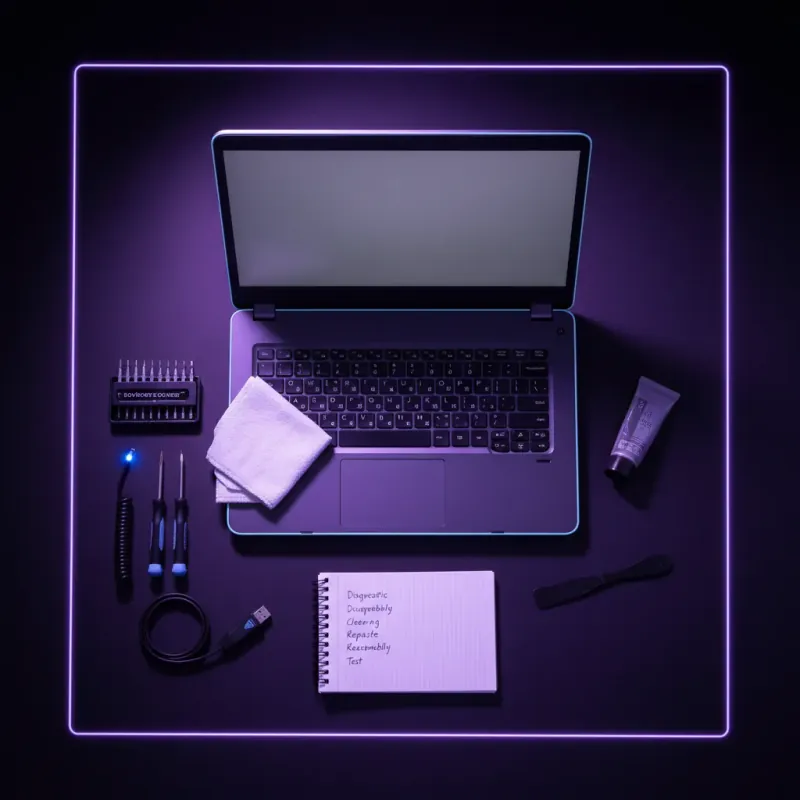
Kalau compressed air tak cukup, buka bottom plate untuk deep clean fan dan ganti thermal paste. YouTube tutorial ikut model laptop — 30 minit kerja.
Event ID 41 "Kernel-Power" = unexpected shutdown (hardware atau power issue). Event ID 6008 = previous shutdown unexpected. Event ID 1001 BugCheck = BSOD before shutdown.
Pattern masa event bagi clue — kalau consistent masa tertentu, scheduled task yang corrupt.
HWMonitor + Core Temp + CrystalDiskInfo
Triple tool combo untuk full diagnose. HWMonitor tunjuk semua suhu + voltage. Core Temp specific untuk CPU cores.
CrystalDiskInfo check SSD/HDD health. Total size <10MB, free semua. Install sebelum shutdown seterusnya untuk capture data.
🌡️ Suhu Normal vs Danger — Berapa Panas Laptop OK?
Reference data dari Intel & AMD spec 2026. Compare reading HWMonitor anda dengan range ini.
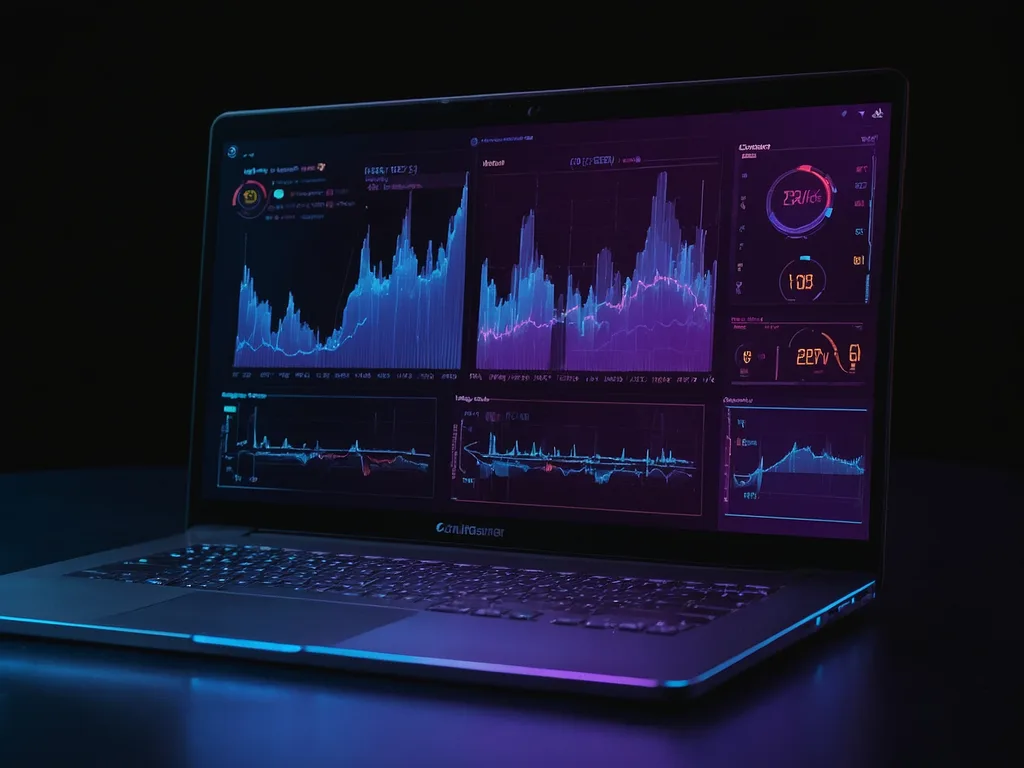
| State | CPU Temp | GPU Temp | Status | Action |
|---|---|---|---|---|
| Idle (desktop sahaja) | 35–50°C | 30–45°C | Normal | None |
| Light load (Chrome, Word) | 50–65°C | 40–55°C | Normal | None |
| Medium load (Zoom, multitask) | 65–80°C | 55–70°C | Acceptable | Monitor |
| Heavy load (gaming, render) | 80–90°C | 70–85°C | Warm tapi OK | Ensure airflow |
| Sustained above 90°C | 90–95°C | 85–90°C | Warning | Bersih fan |
| Thermal throttling | 95–100°C | 90–95°C | Danger | Stop load, cool down |
| Thermal shutdown | >100°C | >95°C | CRITICAL | Service NOW |
"Kalau suhu idle laptop anda dah 70°C, ada problem serius. Normal idle patut 35–50°C. Any higher = dust, thermal paste, atau ambient temperature isu."
💰 Cost vs Impact — DIY Fix vs Servis vs Laptop Baru
Breakdown realistik ikut isu dan umur laptop.
Software Cleanup
Scan malware, sfc /scannow, driver update, power plan tweak. Fix sebahagian kes tanpa cost.
Compressed Air Clean
Air can blow vent 5 minit. Fix sebahagian kes overheat dari dust. Boleh repeat setiap 3 bulan.
DIY Deep Clean + Repaste
Buka bottom, bersih fan proper, ganti thermal paste Arctic MX-4 (RM25). Turun suhu 10–15°C.
Professional Service
Kedai laptop KL/PJ — diagnose + deep clean + repaste + ganti bateri kalau perlu. 2–3 hari.
Repair Berbaloi Kalau...
- Laptop kurang 4 tahun, CPU Gen 10+
- Isu dah pasti overheat je (confirm HWMonitor)
- Repair quote bawah RM300
- Warranty masih valid
- Data dah backup, boleh risk downtime
Beli Laptop Baru Kalau...
- Laptop 5+ tahun, CPU Gen 7 atau lower
- Shutdown random — suspect motherboard
- Repair quote RM400+ (dekat harga laptop baru bajet)
- Bateri swollen + thermal issue serentak
- Pakai untuk kerja — downtime mahal
🚨 Emergency Plan — Laptop Shutdown Berulang
Kalau dah shutdown 3+ kali dalam seminggu, follow plan ini ikut order.
Emergency Checklist (Ikut Order)
- Backup SEMUA data penting ke external/cloud — jangan delay
- Install HWMonitor, monitor suhu sebelum shutdown seterusnya
- Check Event Viewer untuk Event ID 41 pattern
- Compressed air blow semua vent — 5 minit
- Run Windows Memory Diagnostic + CrystalDiskInfo
- Scan malware full system dengan Malwarebytes
- Test dengan original charger sahaja — eliminate charger issue
- Kalau masih shutdown, hantar kedai untuk diagnose hardware
- Evaluate cost repair vs beli laptop baru
Pengguna yang mengalami shutdown berulang ketika aplikasi berat patut merekodkan aplikasi, mesej ralat dan keadaan kuasa, kemudian mendapatkan diagnosis. Tiada hasil penurunan suhu, kos pembaikan atau testimoni pengguna yang disahkan untuk contoh ini.
- Sweet Spot Laptop Bawah RM1,500 Kalau laptop lama tak boleh fix, pilihan bajet 2026 →
- Kerja Stabil Laptop Kerja Office Reliability tinggi untuk WFH dan freelancer →
- Bajet Tight Laptop Refurbished Business-grade ex-corporate dengan cooling stabil →
Harga indikatif. Klik untuk semak harga & stok terkini.
❓ Soalan Lazim: Laptop Shutdown Sendiri
Kenapa laptop shutdown sendiri masa main game?
Shutdown ketika bermain boleh berkaitan suhu, kuasa, perisian atau perkakasan. Rekod simptom dan rujuk had serta diagnostik model; satu bacaan suhu tidak mengesahkan punca.
Laptop auto off tanpa amaran — data hilang?
Fail yang sedang dibuka dan belum save akan hilang. Fail yang dah save kekal selamat. Kalau shutdown masa Windows Update, ada risiko corruption — run sfc /scannow lepas boot balik. Enable autosave di Word/Excel untuk cegah data loss seterusnya.
Bagaimana nak check suhu laptop di Windows 11?
Windows 11 tak ada built-in temperature monitor. Install HWMonitor (percuma, 2MB) atau Core Temp — tunjuk suhu CPU real-time. Task Manager ada CPU usage tapi tiada temp. Untuk BIOS-level, tekan F2/Del masa boot untuk tengok hardware health.
Laptop shutdown bila cabut charger — normal?
Tidak normal. Maknanya bateri dah uzur atau rosak — tak boleh hold charge langsung. Ganti bateri (RM80–300 ikut model). Sementara itu, guna laptop dengan charger plugged in je. Bateri swollen = fire risk, ganti SEGERA.
Power button rosak boleh buat laptop auto off?
Boleh. Power button yang stuck atau short circuit boleh trigger shutdown. Test: tekan butang ringan — kalau rasa stuck atau double-click, kemungkinan rosak. Fix: compressed air sekeliling butang, atau buka bergabung dengan keyboard replacement.
Berapa lama tunggu lepas overheat baru boleh hidup balik?
Minimum 15 minit di tempat cool (air-cond bilik). Kalau sentuh body laptop masih panas, tunggu lagi. Jangan paksa hidup masa panas — short cycle overheat boleh damage CPU permanent. Letak atas permukaan keras (bukan atas tilam) untuk airflow.
Shutdown sendiri vs restart sendiri — beza?
Shutdown = mati total, LED off, perlu tekan power button hidup semula. Restart sendiri = reboot kitar balik ke Windows. Restart biasa BSOD atau Windows Update bug. Shutdown sendiri biasa hardware — overheat, bateri, atau motherboard. Diagnose pakai Event Viewer.
Utamakan sandaran apabila data boleh diakses dan rekod keadaan shutdown. Semak kuasa, suhu dan perisian melalui prosedur rasmi model; jangan anggap habuk atau thermal paste ialah punca tanpa diagnosis.
Bandingkan sebut harga pembaikan dengan kondisi keseluruhan dan pilihan pengganti yang sesuai. Usia atau satu ambang harga sahaja tidak menentukan keputusan.
Rujukan berkaitan: